


MyTDCJ Employee Application
Steps for Printing Pay Stub
- Login to MyTDCJ.com.
- Select My Pay and click the pay stub you need.
- Click View More in the bottom right.
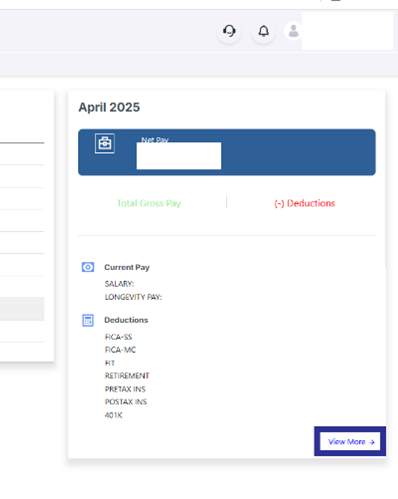
- Once the pay stub is opened, highlight the text starting with Texas Department of Criminal Justice all the way to the bottom as shown:
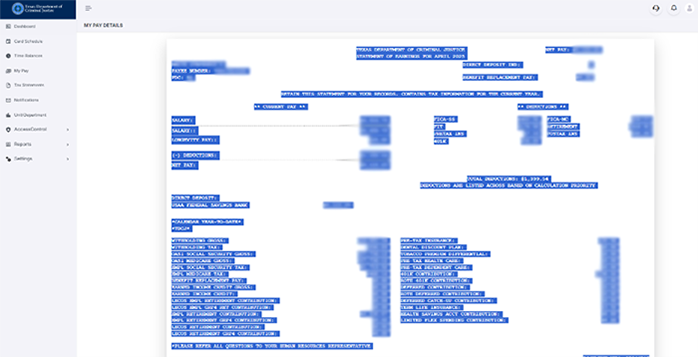
- Once the text is highlighted, right click over the highlighted text and select print.
- When the print window opens, you will see your full pay stub to the left. Now you can either select print or complete the below remaining steps.
- Change “Destination” to “Save as PDF” and select Save.

- When the File window opens, choose where you want the file to go and name it, then click save.
